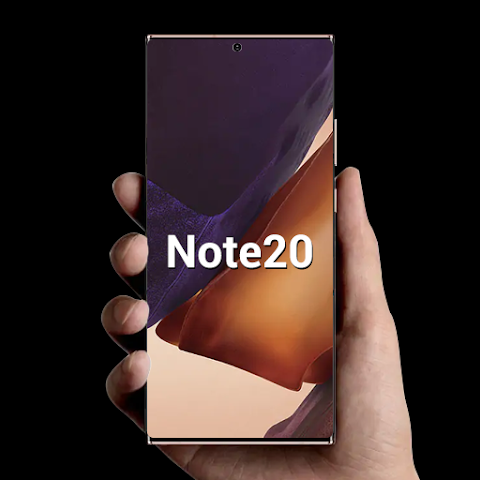


Cool Note20 Launcher is an Android personalization app inspired by the Galaxy Note20 interface. It allows users to refresh their home screen using themes, wallpapers, icon packs, customizable app drawers, gestures, live wallpapers, and flexible layout settings. The launcher also includes features such as app hiding and locking, unread notifications, T9 search, light and dark modes, folder customization, and integrated battery, storage, and memory info, delivering a more personalized Android experience.
NOTE20-STYLE HOME SCREEN CUSTOMIZATION
Transform the look of your Android home screen with a launcher inspired by the Galaxy Note20 design. Cool Note20 Launcher provides access to online themes and wallpapers while supporting third-party icon packs for further customization. Users can adjust icon and grid sizes, change fonts, customize desktop transition effects, and choose various folder styles. Multiple dock pages and customizable dock backgrounds offer greater flexibility in organizing frequently used apps and shortcuts.
- Apply compatible themes, wallpapers, and icon packs.
- Customize icon size, grid layout, fonts, and folders.
- Customize dock pages and desktop transition effects.
GESTURES AND FLEXIBLE APP DRAWER
Cool Note20 Launcher offers various navigation and organization options for accessing apps. Choose from horizontal, vertical, categorized, or list-style app drawers based on your preferences. Swipe, pinch, and two-finger gestures offer additional ways to interact with the launcher. T9 search helps users quickly locate apps, while unread notification indicators can appear directly on compatible app icons.
- Choose between horizontal, vertical, categorized, or list-style app drawers.
- Use gestures such as swiping, pinching, and two-finger actions.
- Quickly find apps using T9 search and unread notification indicators.
PRIVACY, WALLPAPERS, AND SYSTEM INFORMATION
The launcher combines customization with practical device management features. Users can hide specific apps and optionally lock them, while the App Lock feature provides an extra layer of access control. Video and live wallpapers add dynamic backgrounds, and screen corner rounding effects can alter the overall visual style. Additionally, the launcher displays battery, storage, and memory status, offering light, dark, and automatic color modes to suit user preferences.
- Hide apps and lock access to hidden ones.
- Use video or live wallpapers for dynamic backgrounds.
- Check battery, storage, and memory information within the launcher.