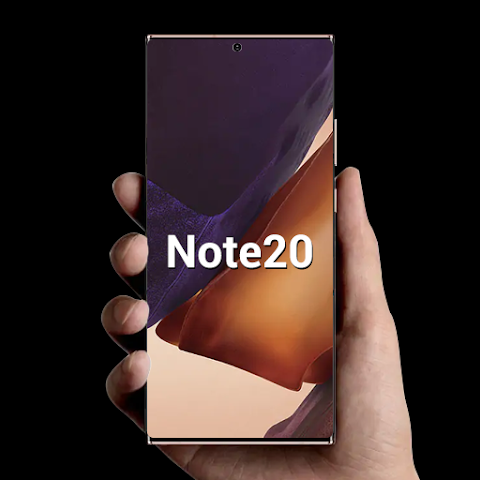


CC Launcher, or Cool Mi Launcher, is a MIUI-style Android launcher that brings a modern Xiaomi-inspired interface to compatible phones. It offers 500+ themes, 1000+ wallpapers, icon pack support, customizable app drawer, gestures, live wallpapers, app lock, hidden apps, and many more personalization options. Users can also customize icons, fonts, folders, grids, colors, and launcher transitions, with the option to choose between light, dark, and automatic modes. CC Launcher is inspired by MIUI, but it is not an official Xiaomi or Redmi launcher.
MIUI THEME AND WALLPAPER CUSTOMIZATION
CC Launcher brings a MIUI-inspired visual experience to Android devices with a wide collection of themes and wallpapers. The launcher comes with over 500 themes, 1000 wallpapers, and supports multiple icon packs available through Google Play. Users can also create a unique Android interface by using live or video wallpapers, changing fonts, resizing icons, adjusting the home screen grid, and personalizing folder colors and styles.
- Explore 500+ themes and 1000+ wallpapers for your home screen.
- Use compatible third-party icon packs for additional customization.
- Personalize icons, fonts, folders, grids, and wallpaper styles.
SMART APP DRAWER AND EASY GESTURE MANAGEMENT
The launcher offers several ways to organize and access installed apps. Users can choose from horizontal, vertical, category, or list-style app drawers, and sort apps alphabetically, by date installed, frequency of use, or manually. CC Launcher supports swipe, pinch, and two-finger gestures, while T9 search helps you quickly find apps in the launcher interface.
- Choose from four different app drawer designs.
- Sort apps using five possible sorting methods.
- Use gestures and T9 search to quickly access apps.
PRIVACY TOOLS AND FACE DISPLAY FEATURES
CC Launcher includes privacy and convenience features designed to make everyday Android navigation more flexible. You can hide apps and lock hidden apps, while App Lock provides another layer of protection for selected apps. Additional tools include unread notification indicators, multiple dock pages, MIUI-style folders, rounded corner effects, battery privacy, app management, and storage usage details.
- Hide and lock selected apps from your launcher.
- Use App Lock to add security to supported apps.
- Check battery percentage, app management, and storage information.