
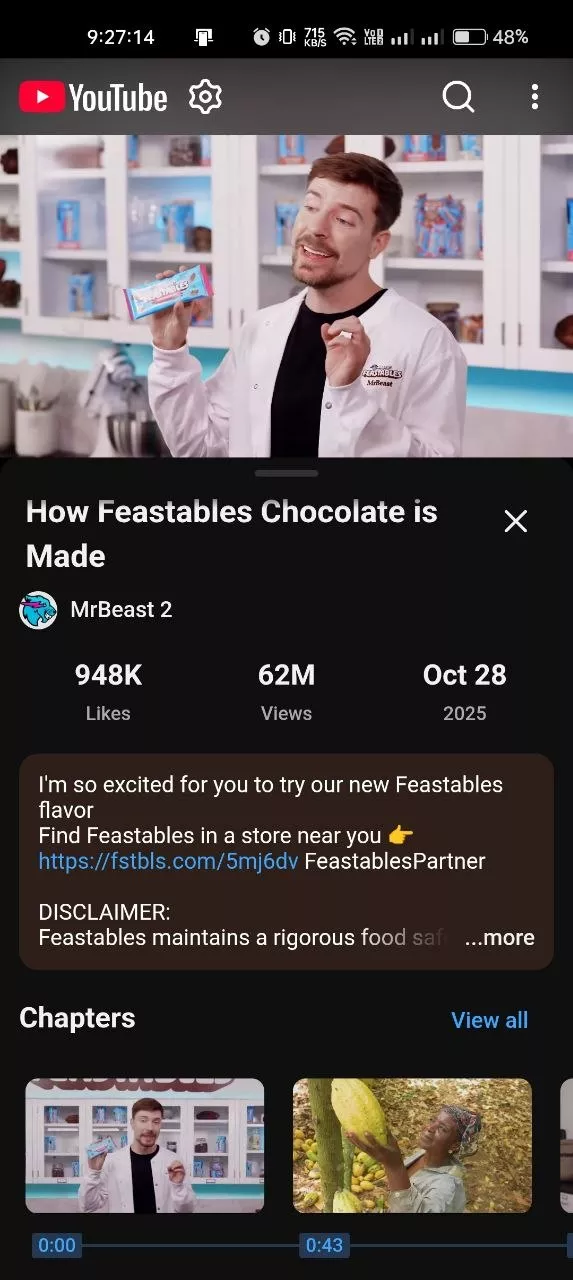

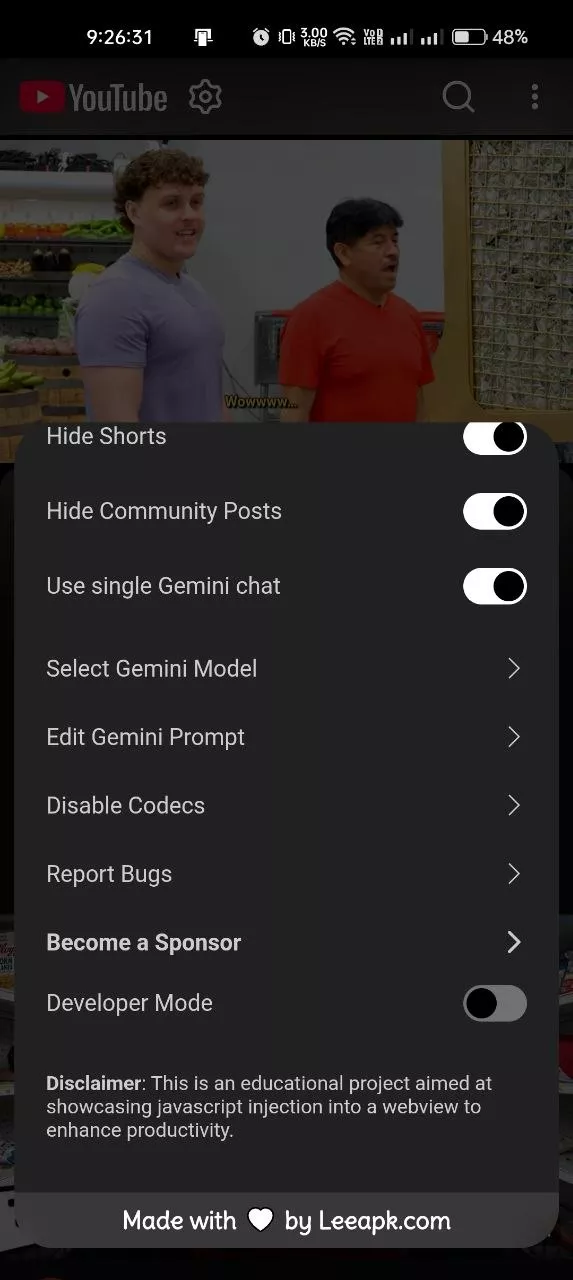

YouTube Pro is an enhanced YouTube client for Android that offers additional tools for video playback, downloading, and customization. It includes background audio playback, Picture-in-Picture mode, gesture controls, and AI-generated video summaries via Google Gemini. Users can take advantage of features such as downloading Shorts, saving subtitles and thumbnails, skipping sponsored segments, and adjustable playback speed. Designed to be a lightweight and efficient app, YouTube Pro provides extra controls for users seeking a more flexible viewing experience.
SMART VIDEO PLAYBACK AND BACKGROUND AUDIO
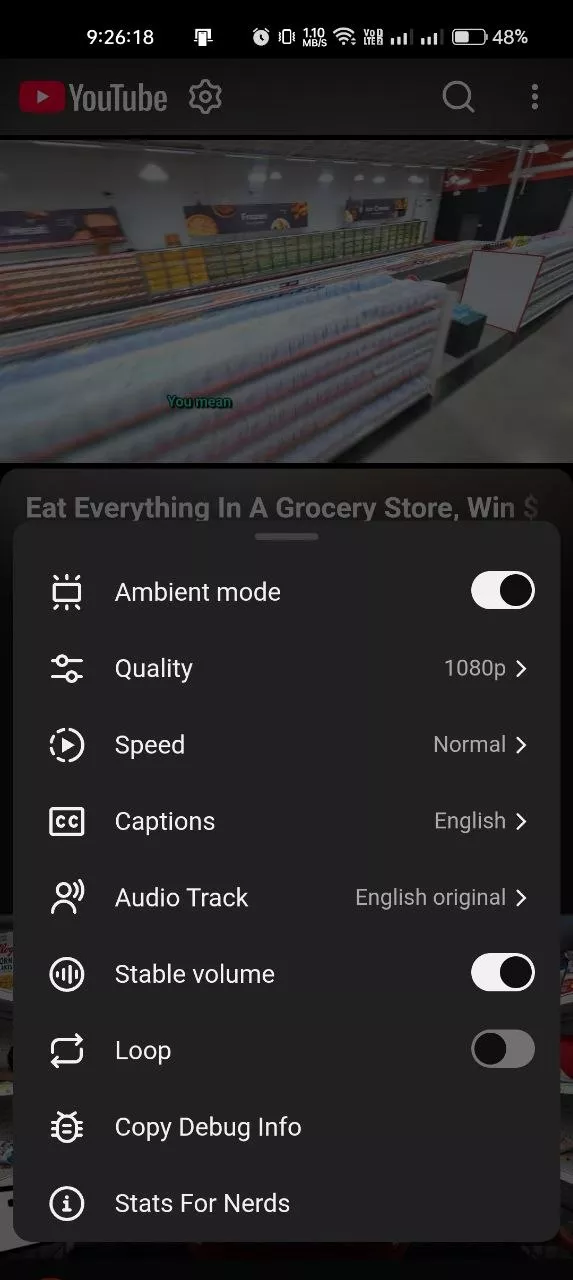
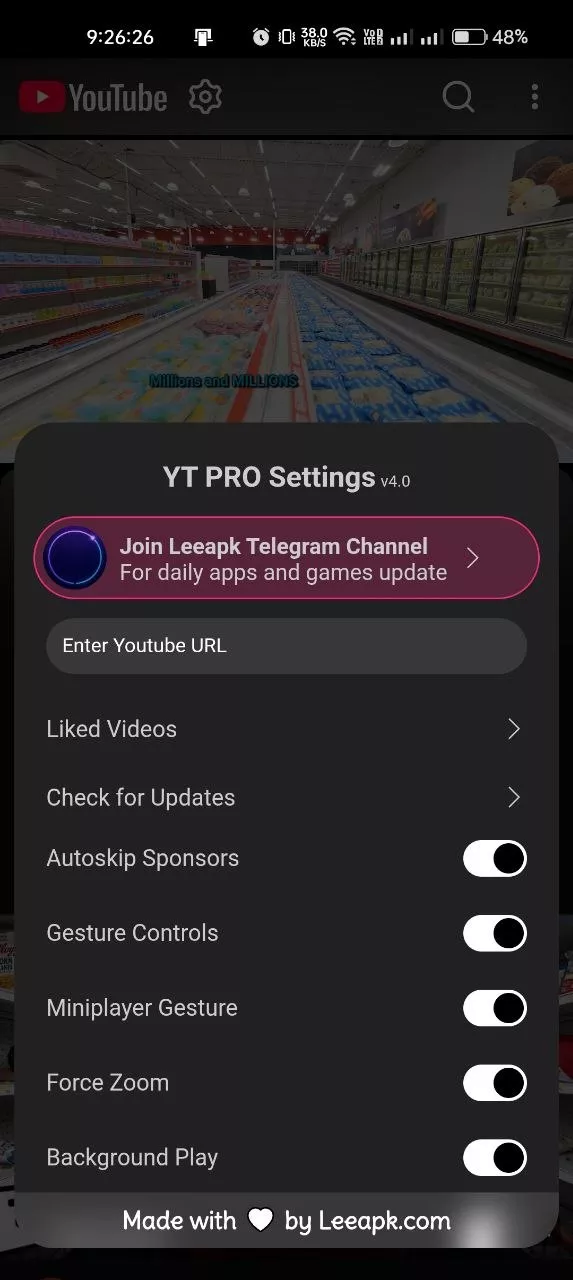
YouTube Pro adds useful playback options that make watching videos more flexible on Android devices. The background audio playback feature allows users to keep listening while switching to other apps, while Picture-in-Picture mode keeps the video visible in a small floating window. Gesture controls offer convenient ways to adjust brightness and volume during playback. The app also includes options for adjusting playback speed, forced zooming, and hiding Shorts content, allowing users to customize how video content is displayed and played.
- Keep listening to compatible videos using background audio playback.
- Use Picture-in-Picture mode for multitasking while watching videos.
- Adjust volume, brightness, zoom, and playback speed using the available controls.
VIDEO DOWNLOAD AND CONTENT TOOLS
YouTube Pro includes various content-related tools designed to give users greater control over video material. According to the project repository, the app supports downloading videos and Shorts, as well as thumbnails and subtitles. It also features an integrated tool for merging (muxing) audio and video components. These tools can be useful for organizing content for personal use, while respecting copyright rules, platform terms, and the permissions associated with each video.
- Download compatible videos and Shorts using the available tools.
- Save video thumbnails and subtitles where the feature is available.
- Use the integrated audio-video merging tool to process media content.
GOOGLE GEMINI AI AND CUSTOMIZATION
YouTube Pro integrates Google Gemini features for generating video summaries and configuring custom prompts and models. This can help users explore video content more efficiently when the AI functionality is correctly configured and available. The app also includes tools for skipping sponsored segments, displaying dislike counts, and a custom “heart” feature for saving videos without needing to log into an account. Its lightweight design and adaptable interface offer additional customization options for users who prefer greater control over their viewing experience.
- Generate video summaries using the available Gemini integration.
- Customize instructions (prompts) and settings for supported models.
- Explore features for skipping sponsored segments, displaying dislike counts, and additional interface options.