

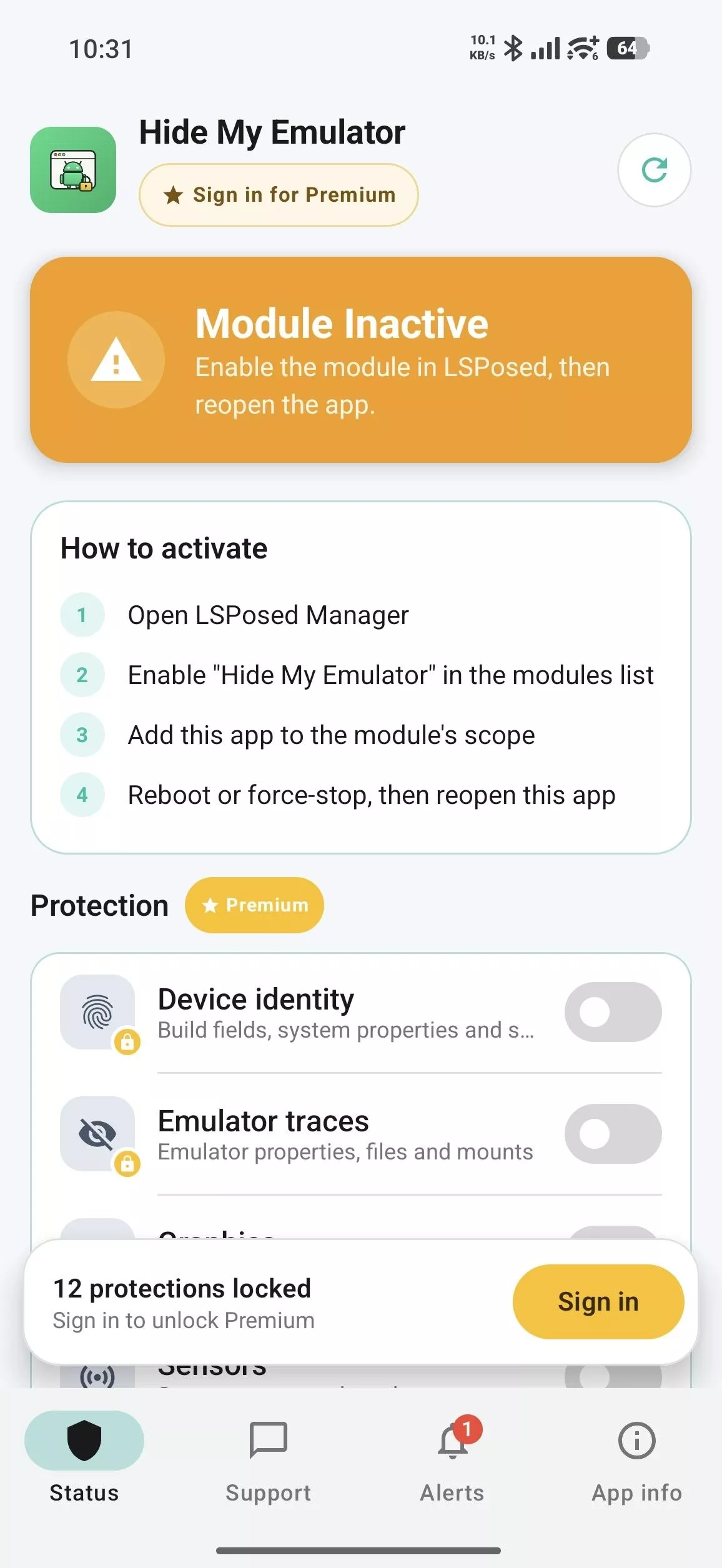
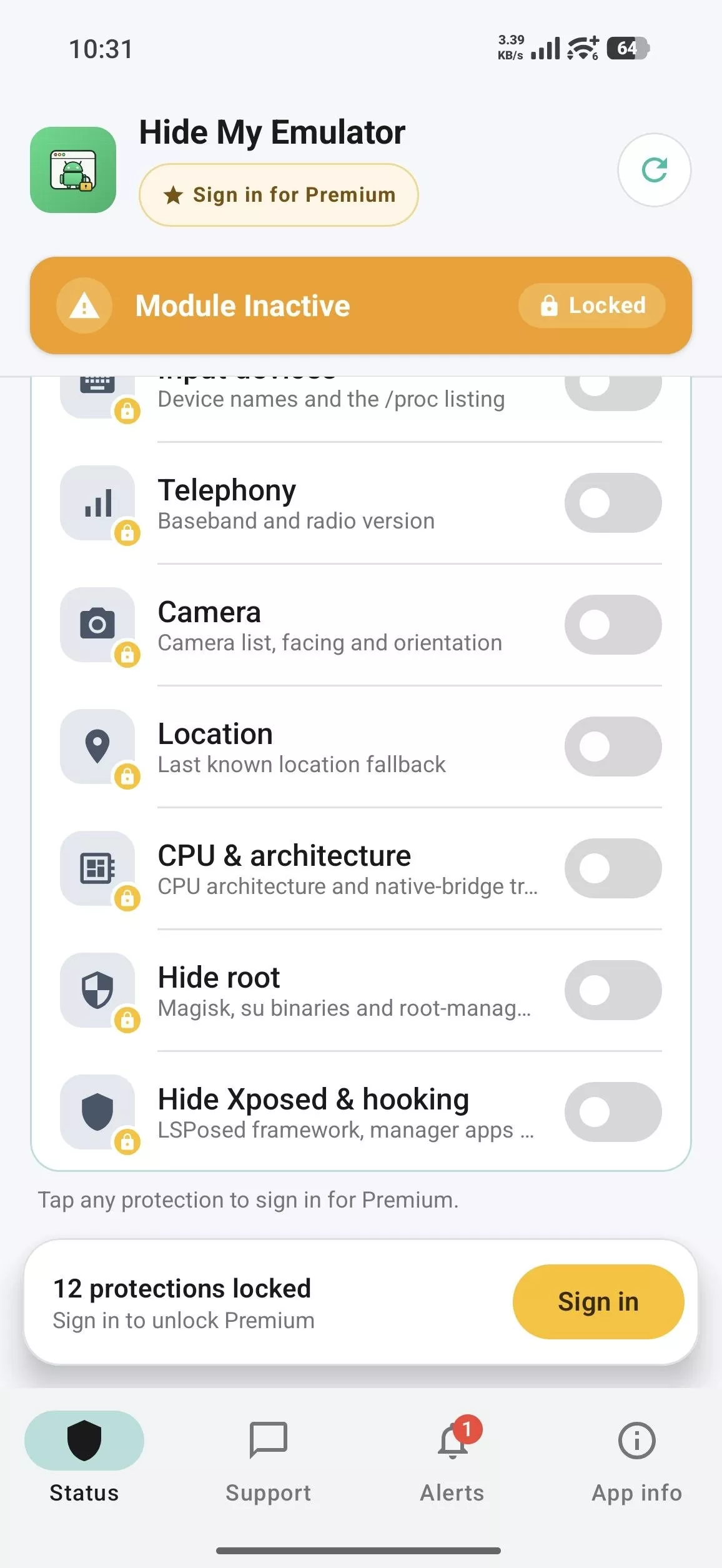
Hide My Emulator is an LSPosed module for Android designed to make compatible Android emulators appear as real smartphones to certain applications. It masks emulator-specific device information, including details regarding the model, sensors, battery data, graphics, camera, and processor identifiers. The tool allows for per-app configuration, giving users the ability to choose which applications receive the modified device information. It requires a rooted emulator, Magisk, and LSPosed, making it suitable for advanced Android users who desire greater control over emulator detection signals.
ADVANCED EMULATOR DETECTION HIDING
Hide My Emulator modifies the device information readable by selected applications, helping the emulator present a more credible smartphone identity. Its protection targets multiple signals, including device make and model, emulator-specific settings and files, sensor information, battery characteristics, graphics, and processor details. By managing these signals simultaneously, the module aims to minimize inconsistencies that applications could use to identify a virtual device. It is designed for rooted Android emulation environments, not for standard, non-rooted smartphones.
- Masks device information and emulator-specific identification signals.
- Adjusts supported information regarding sensors, battery, graphics, and the processor.
- Presents a more credible device profile to selected applications.
PER-APP PROTECTION AND CUSTOM SETTINGS
Hide My Emulator allows users to select which apps receive modified device information using the scope management feature in LSPosed. This per-app approach ensures that configurations apply only to the specific apps that require them, avoiding blanket changes across all applications. Users can also enable or disable supported protection categories within the module’s settings. After modifying the configuration, selected apps generally need to be force-stopped and relaunched for the changes to take effect.
- Select target apps via the LSPosed configuration.
- Individually enable or disable supported protection categories.
- Apply updated settings by restarting the respective apps.
SUPPORT FOR ROOTED EMULATORS AND PREMIUM FEATURES
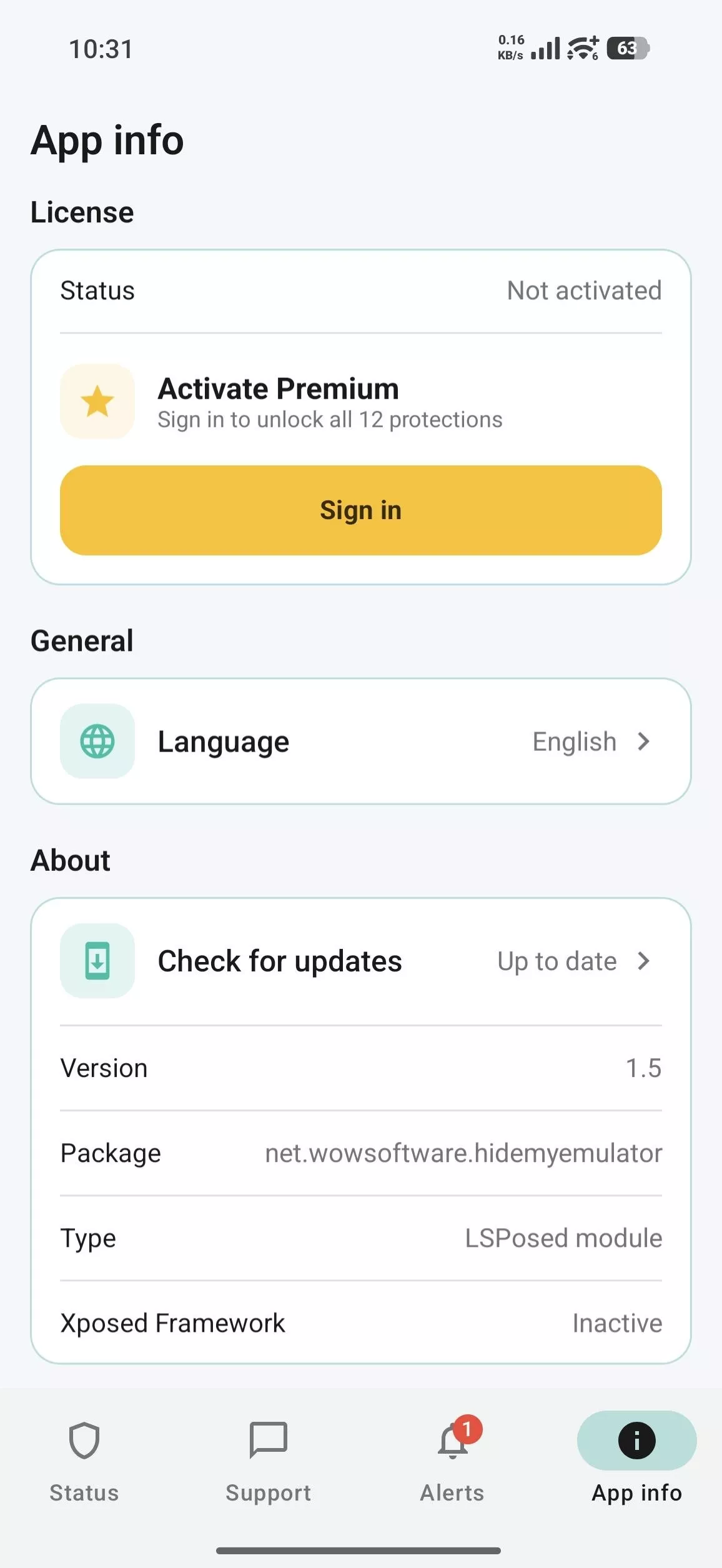
Hide My Emulator is designed for advanced users capable of setting up root access and the LSPosed framework on an Android emulator. The official installation guide covers the Android Studio Emulator and LDPlayer, with additional testing performed on platforms such as BlueStacks, MuMu, Nox, and MEmu. Android 9.0 or later is required. The Premium version unlocks the full suite of protection options and is managed via the companion “HME License” app through a monthly Google Play subscription.
- Requires a rooted emulator, Magisk, and LSPosed.
- Compatible with emulation environments running Android 9.0 or later.
- Unlock the full feature set via the HME License subscription.